> ## Documentation Index
> Fetch the complete documentation index at: https://wb-21fd5541-dbrian-docs-serverless-training-quickstart.mintlify.site/llms.txt
> Use this file to discover all available pages before exploring further.
# Log videos
> Log and track video data automatically in Weave traces using moviepy for playback and analysis in the UI.
This guide shows you how to log and track video data in Weave traces so you can inspect, play back, and analyze videos directly in the Weave UI. It's intended for developers building video-processing applications who want automatic capture of video inputs and outputs from their traced functions.
Weave automatically logs videos using [`moviepy`](https://zulko.github.io/moviepy/). You can pass video inputs and outputs to traced functions, and Weave automatically handles uploading and storing video data.
Video support is available in Python only.
## Usage prerequisites
Before you log videos with Weave, complete the following prerequisites:
1. Install `weave` and `moviepy==1.0.3`.
2. Create a W\&B account.
## Supported video types
Weave handles different types of `moviepy` clips in different ways. Knowing which type you're working with helps you understand how Weave uploads and stores your video data.
Weave recognizes `moviepy` video clip objects, such as:
* `VideoFileClip` objects loaded from a video file.
* In-memory clips like `ImageClip`, `ColorClip`, and `TextClip`.
### Direct upload of file-based clips
If your clip is a `VideoFileClip` and has a valid filename with a supported extension, Weave uploads the file directly.
**Supported file extensions:**
* `.mp4`
* `.webm`
* `.gif`
### In-memory clip support
If the video object is in memory (no file on disk), Weave encodes it as an `.mp4` file and handles the upload automatically. This applies to clips of the following types:
* `ImageClip`
* `ColorClip`
* `TextClip`
## Example: Trace a video function
The following code sample demonstrates how to trace a video processing function in Weave. The code sample:
1. Initializes a Weave project `video-test`.
2. Defines a `get_video` function tracked as a `weave.op` that extracts a 1-second subclip of the loaded `VideoFileClip` as a `VideoClip`.
3. Uploads and tracks the clip in Weave.
4. Automatically generates a placeholder MP4 video if none is found.
To avoid thread-safety issues, always pass the path to `VideoFileClip` objects instead of creating them outside the Weave `op`.
Before you use the following code snippet, complete the [usage prerequisites](#usage-prerequisites).
```python lines theme={null}
import os
import weave
from moviepy.editor import VideoFileClip, ColorClip, VideoClip
# Update to your project name, or create a new project named 'video-test'
weave.init('video-test')
@weave.op
def get_video(clip: VideoFileClip) -> VideoClip:
"""Process a video by path rather than by passing the clip directly.
This ensures that the VideoFileClip is created and managed within the
Weave op's thread context, avoiding thread-safety issues.
"""
new_clip = clip.subclip(0, 1)
return new_clip
if __name__ == "__main__":
os.makedirs("videos", exist_ok=True)
# Update the path to point to your MP4 file
video_path = './videos/example.mp4'
# Generate a dummy video if it doesn't exist
# Dummy video contents: A red square that displays for 5 seconds
if not os.path.isfile(video_path):
print("No video found. Creating dummy video...")
dummy_clip = ColorClip(size=(640, 480), color=(255, 0, 0), duration=5)
dummy_clip.write_videofile(video_path, fps=24)
clip = VideoFileClip(video_path, has_mask=False, audio=True)
get_video(clip)
```
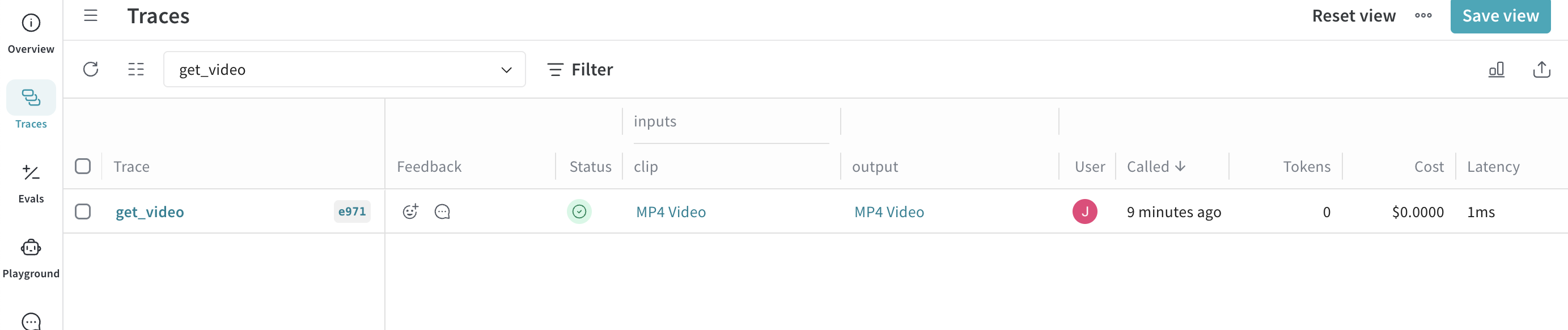
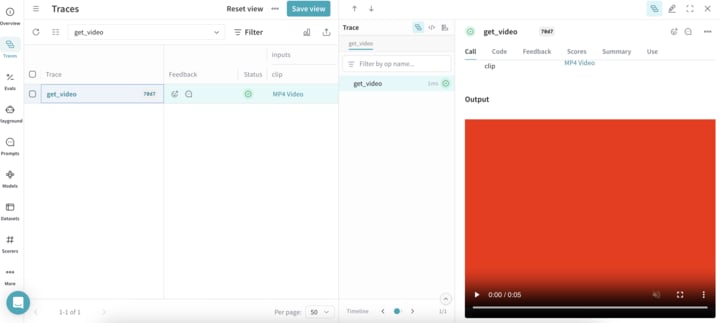
When the code sample runs successfully, you can view your video by clicking the link in the **Traces** table of your project.